
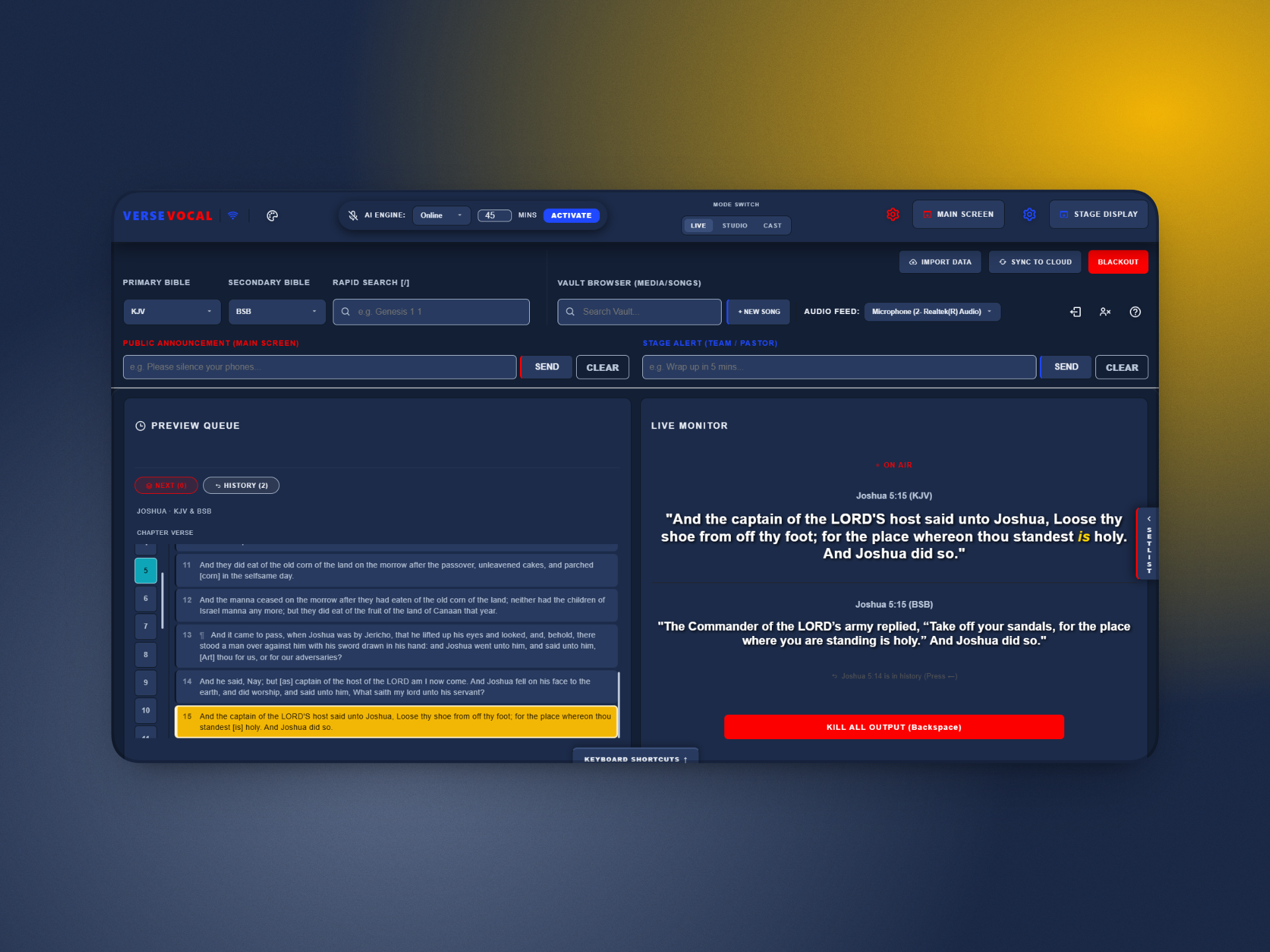
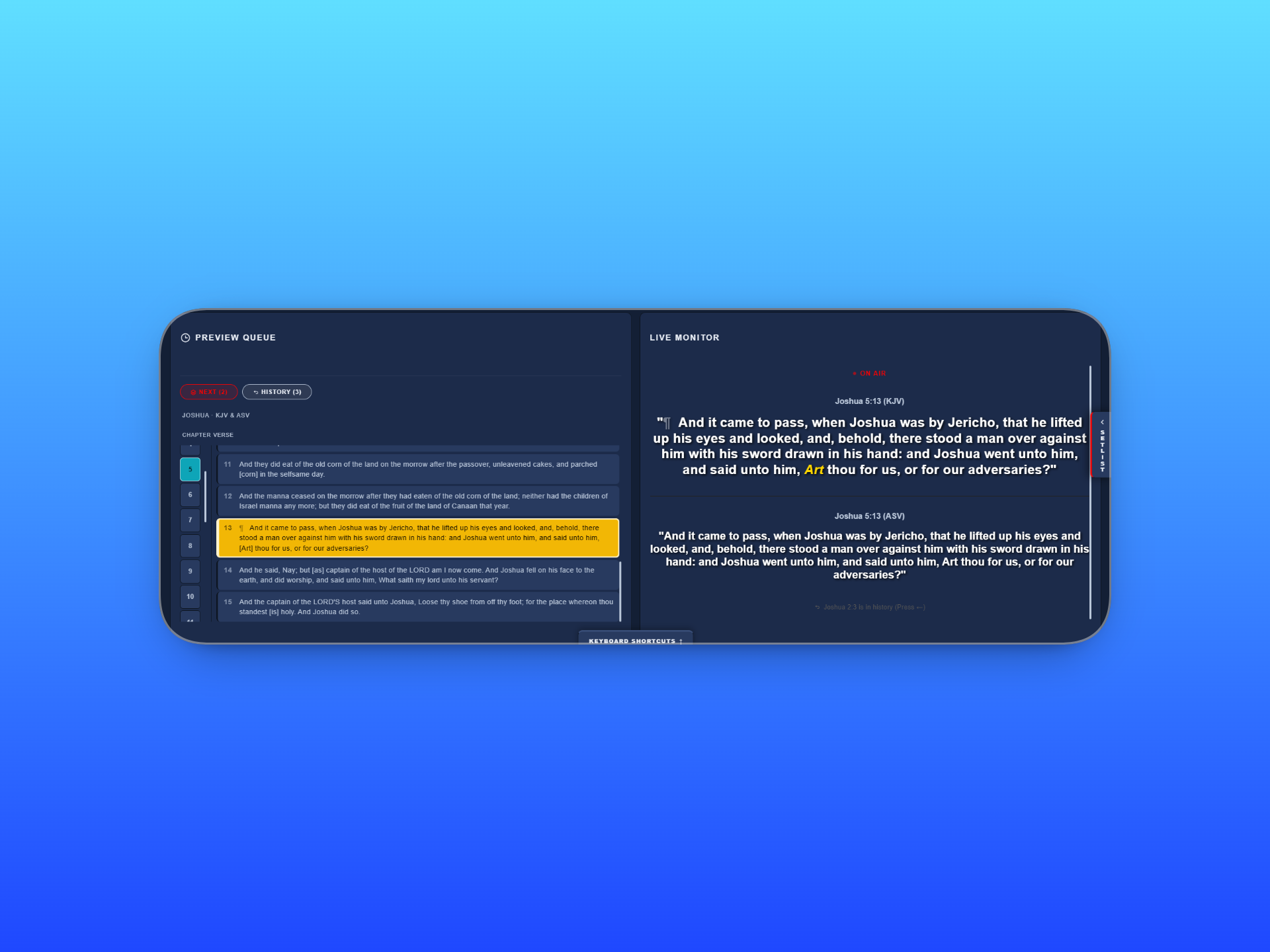
The Bible verse appears on screen the moment your pastor speaks it.
VerseVocal listens during the sermon and puts the verse on screen instantly. It keeps working through load shedding and unreliable Wi-Fi, so the service never stops.
Works when the internet doesn't
The offline engine runs entirely on your own PC. No connection required, ever.
Priced for where you are
Purchasing power pricing means a church pays what churches in that country can actually afford.
Live, Studio, and Cast together
Run the service, cut sermon clips, and stream to other campuses, all in one app.
One app. Three modes, built for three different jobs.
Live runs the service in the room. Studio turns the recording into content afterward. Cast gets it to a screen, a stream, or another campus.
The verse appears while the pastor is still speaking
VerseVocal listens to the sermon and detects Bible references automatically. No one has to type or search for a verse.
Two engines are available. The Online Engine handles a wide range of accents and speaking speeds. The Offline Engine runs on your own PC with no internet needed at all.
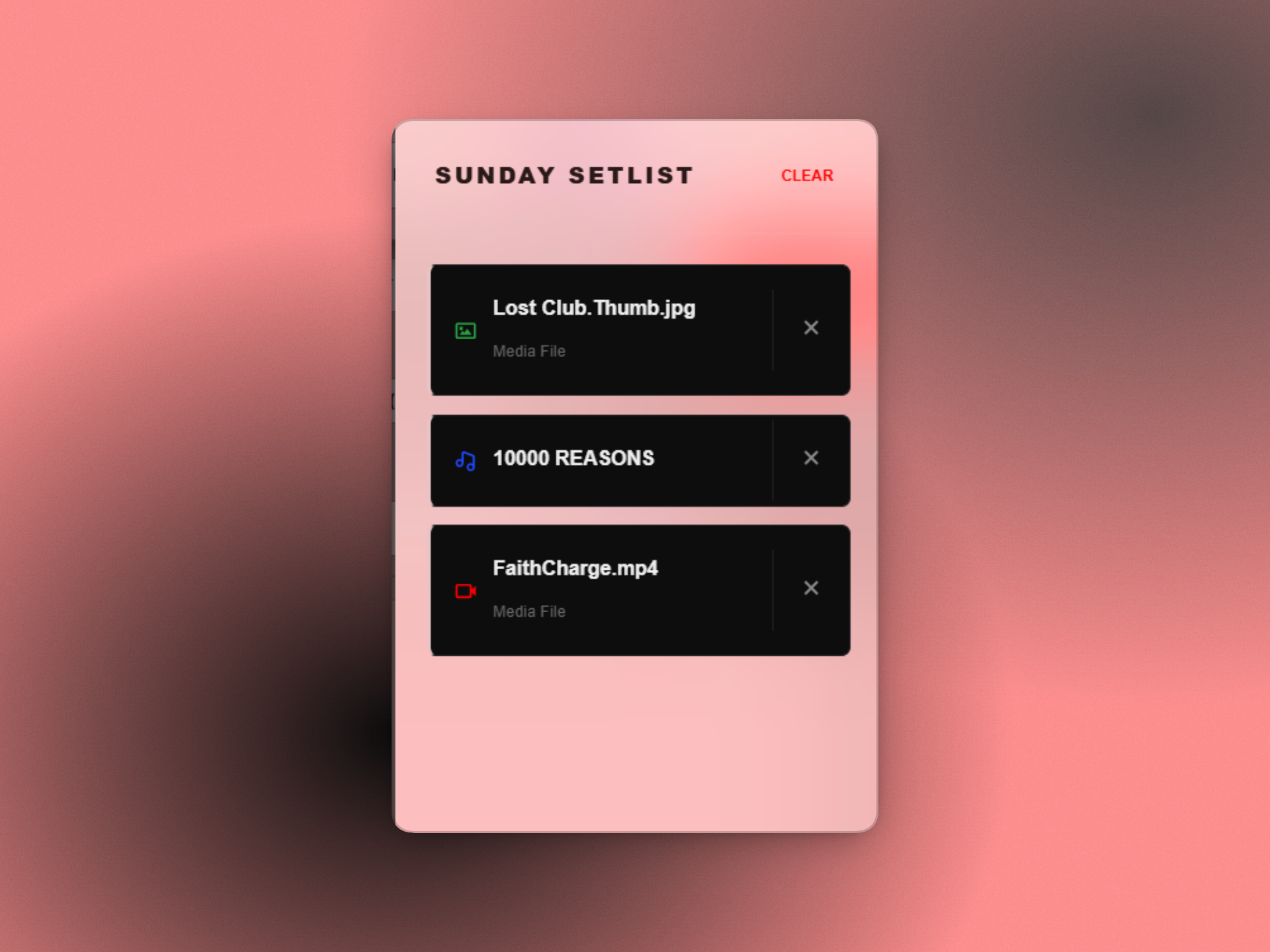
Full setlist control
Songs, images, and video queued by drag and drop. Duplicate entries are flagged automatically.

Planning Center Online
Connect once. Sync the week's songs directly instead of typing them in again.
Everything else in the room
- Dual translation display, selected independently
- Stage Alerts and Public Announcements, sent separately from scripture
- Main Screen, Stage Display, Blackout, and a dedicated Green Screen mode
- Six built in themes and full keyboard shortcuts
Turn a recorded sermon into clips without a video editor
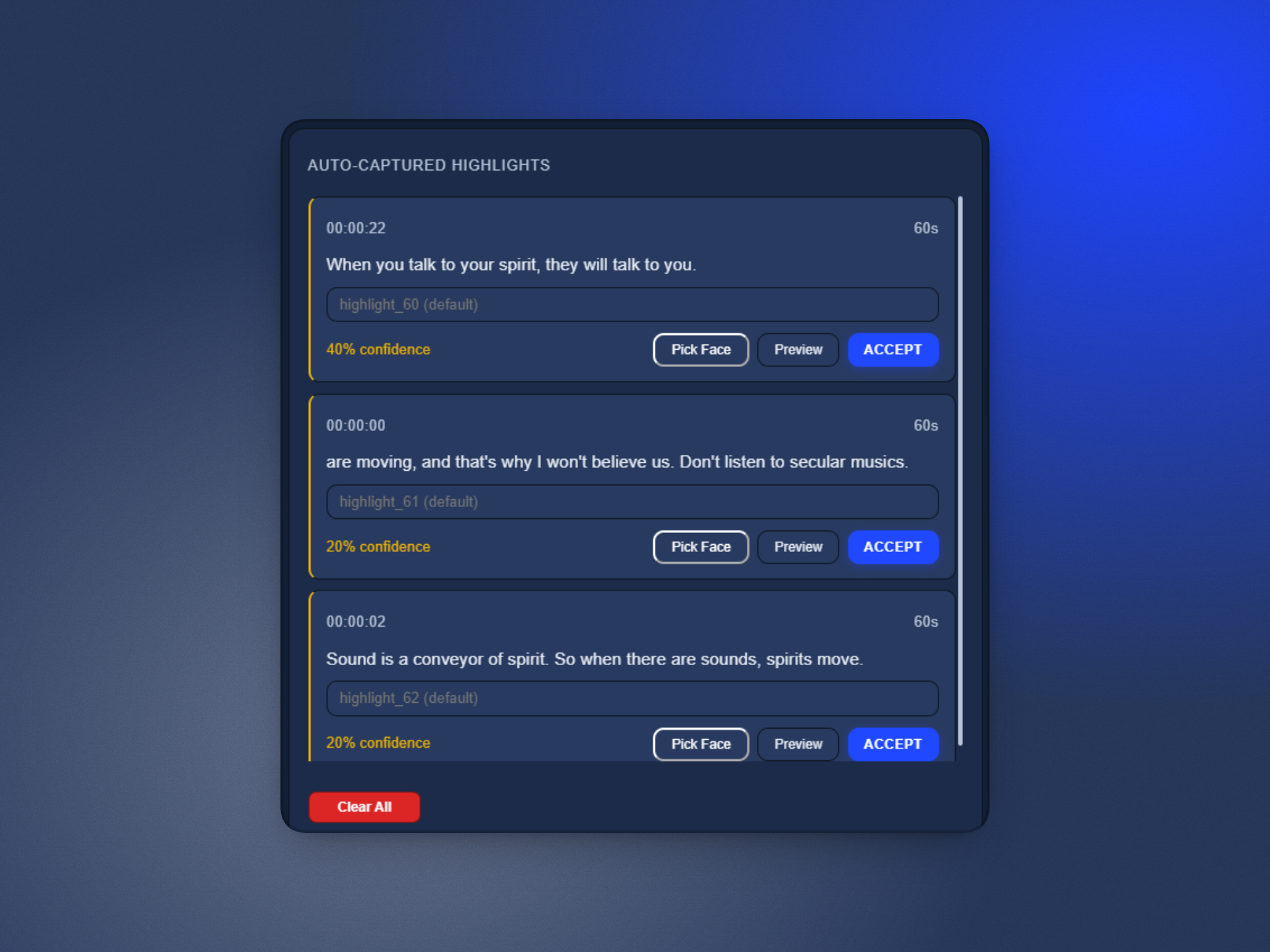
Import a recording and VerseVocal transcribes it offline. It scores the transcript and surfaces the strongest moments automatically.
Each highlight becomes a finished clip with face tracking, your choice of aspect ratio, burned in captions, and your church's watermark. Renders show real progress and open the finished file with one click.
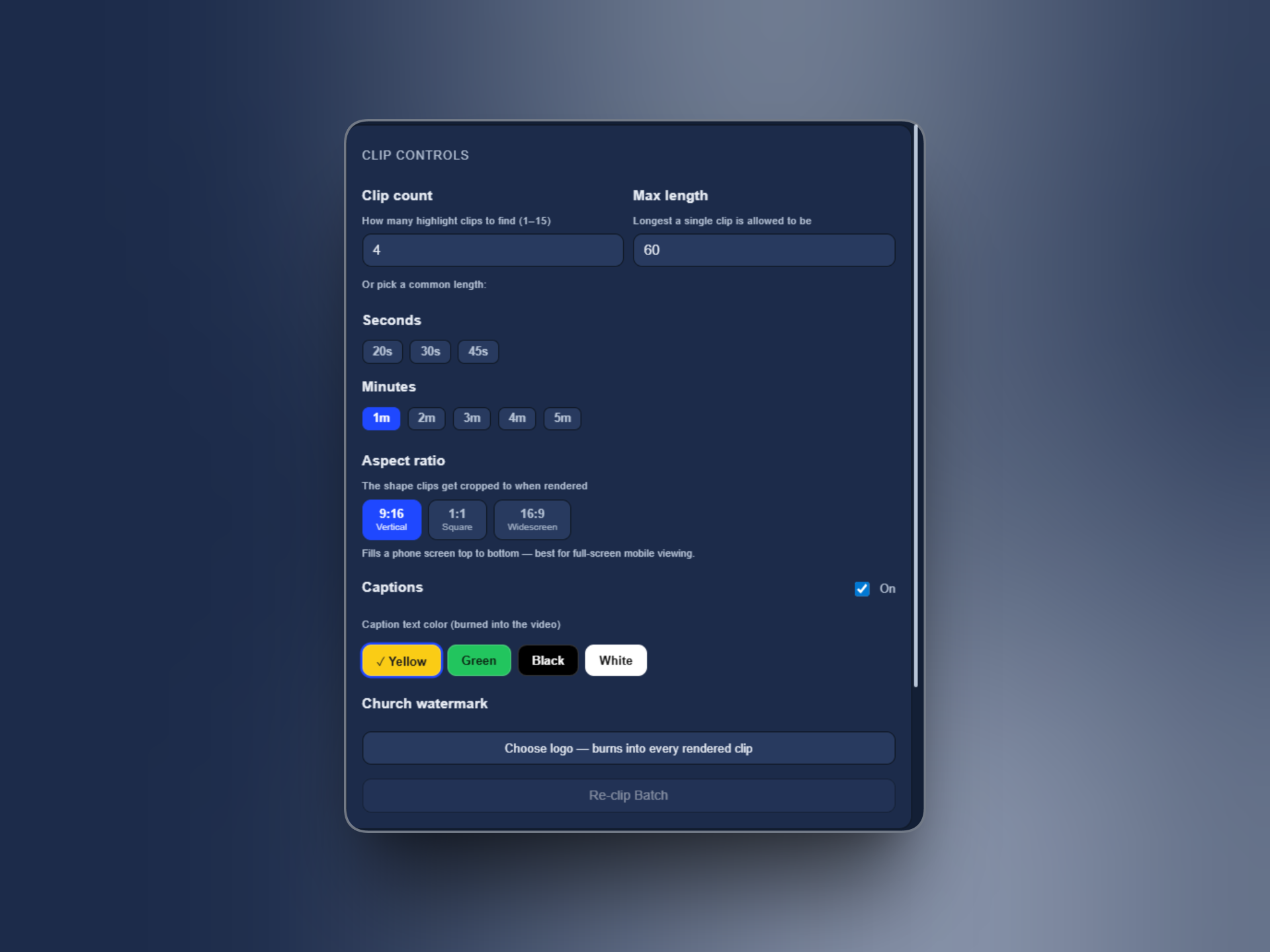
Clip controls
Set clip count and length. Choose 9:16, 1:1, or 16:9. Pick a caption color and attach a watermark that carries over to every clip.
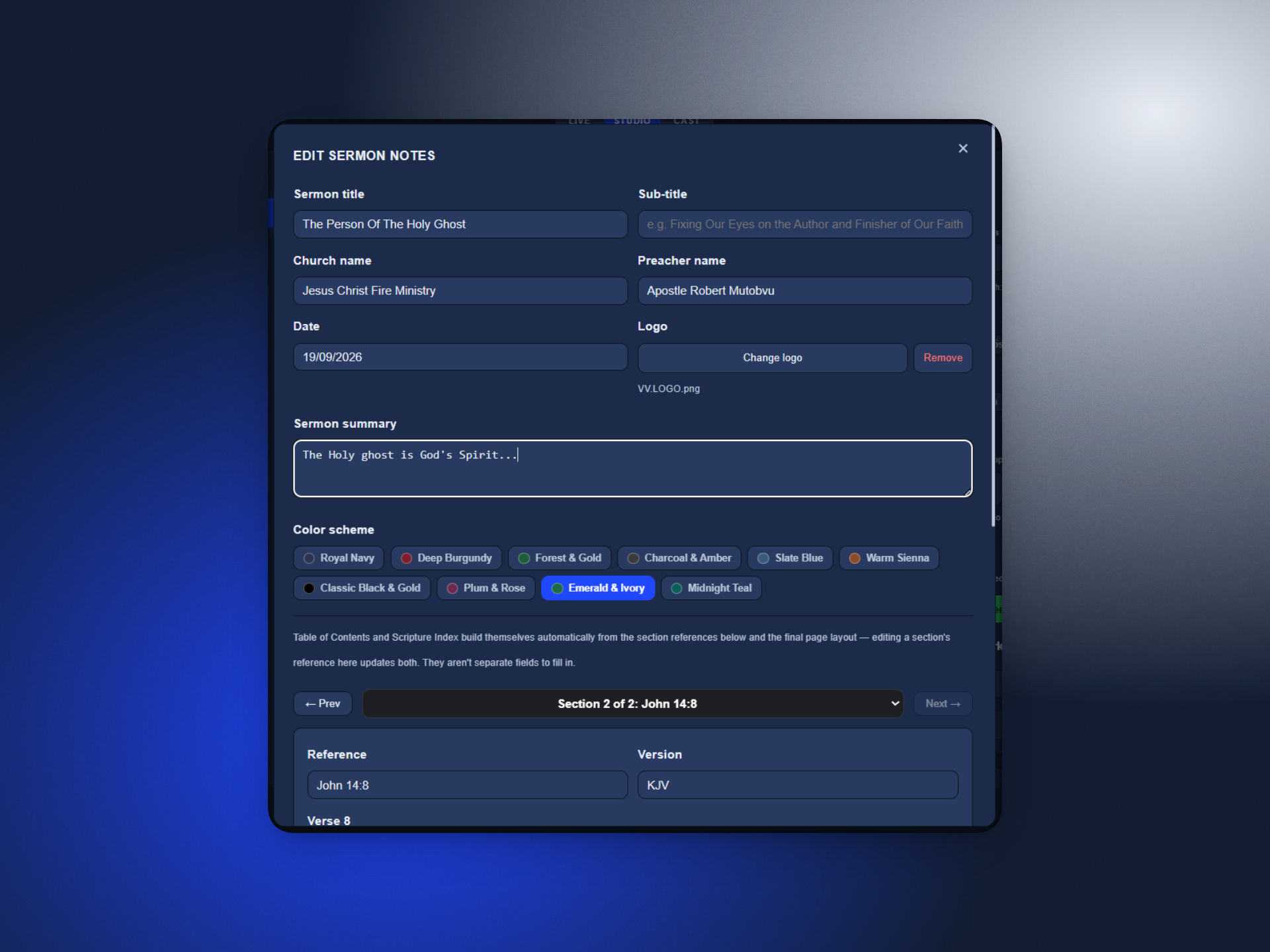
Sermon Notes PDF
Generated from the same session. Includes the title, preacher, date, a summary, and highlight quotes, in one of ten color schemes.
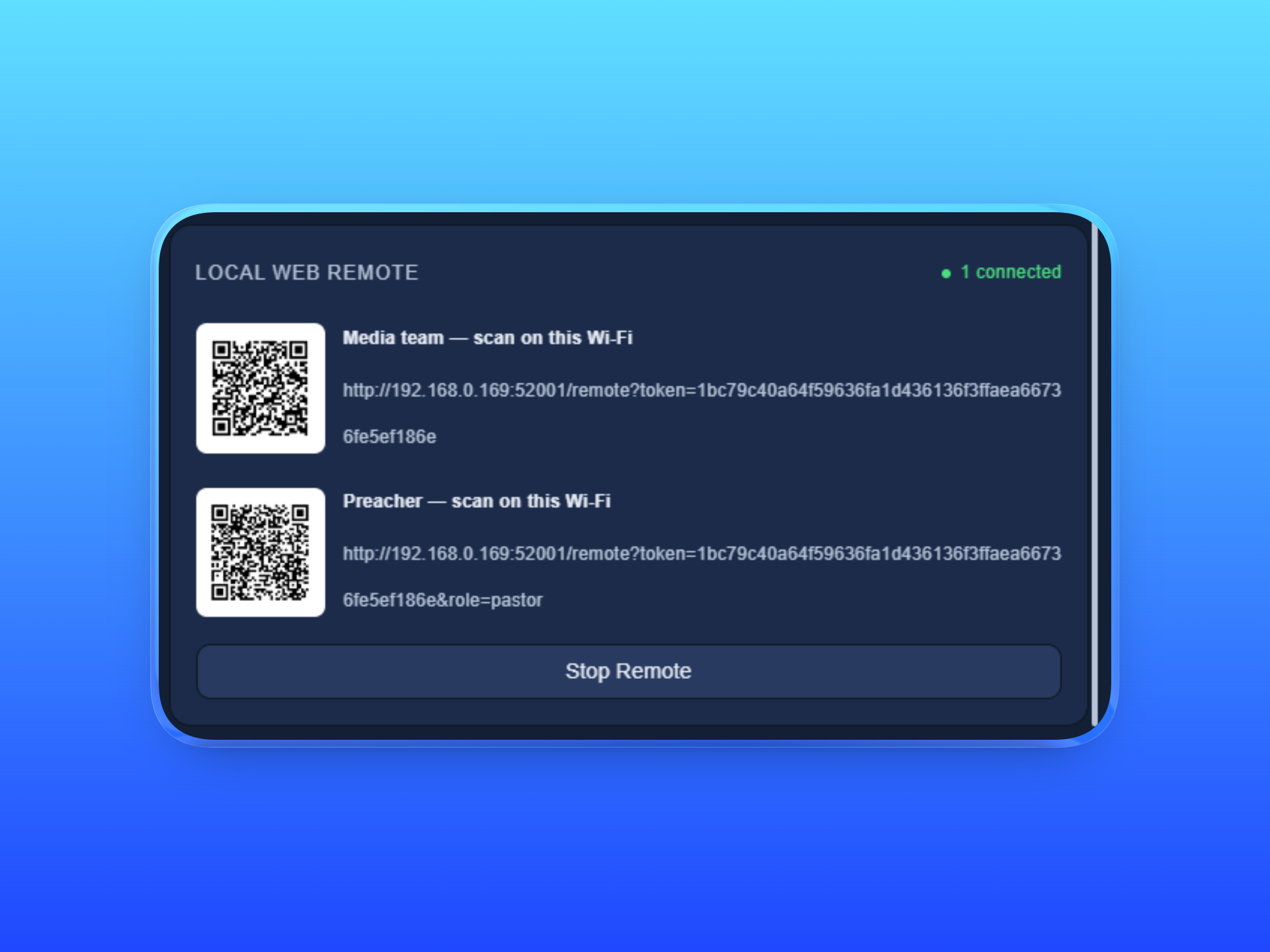
Local Web Remote
Two QR codes on the venue's own Wi-Fi. One for the media team, one for the preacher. No app install required.
Get the service to a stream or another campus
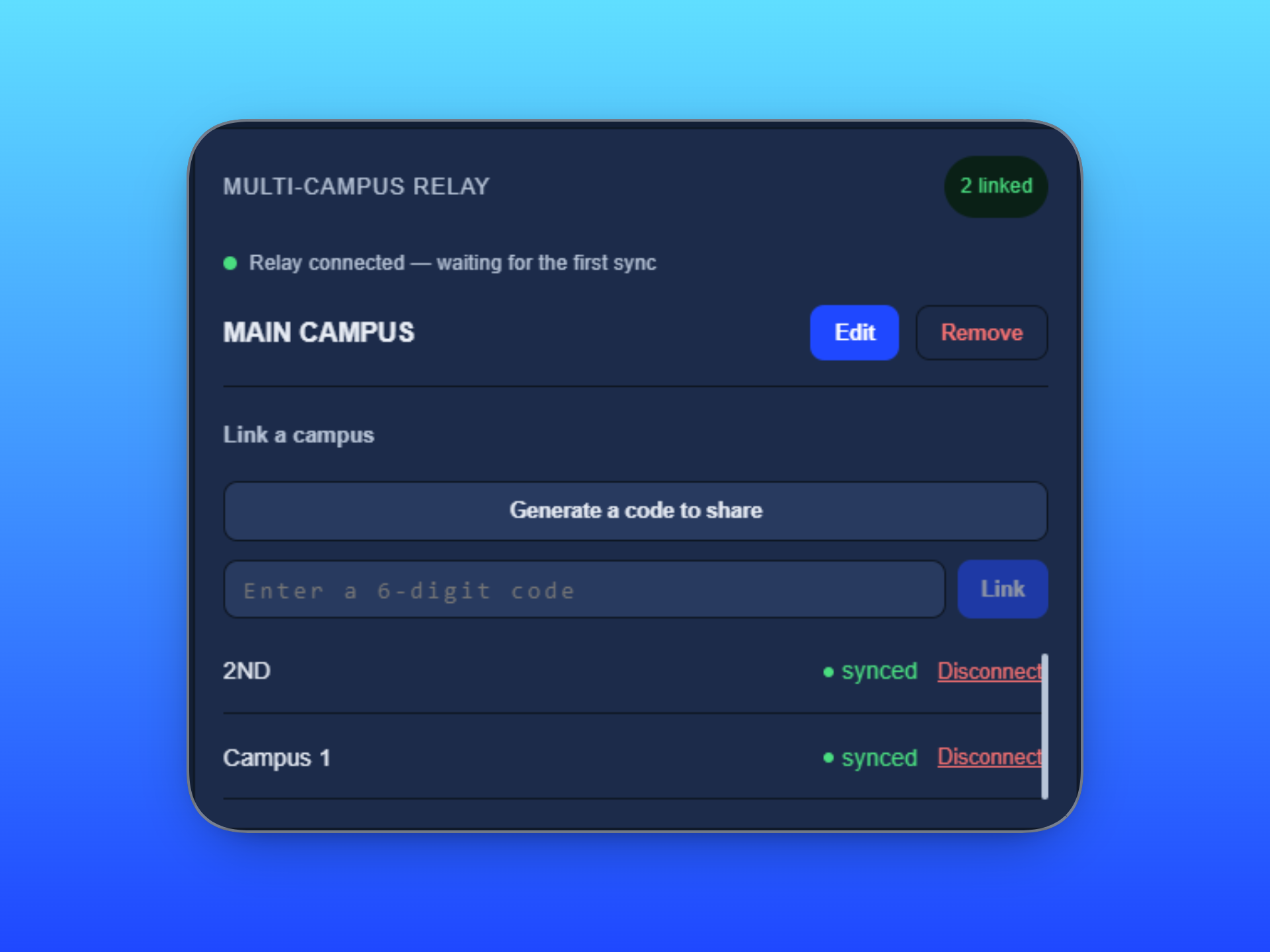
Cast Mode feeds a broadcast mixer over NDI at your chosen quality. Additional campuses connect with a generated code.
The originating campus always holds push control, so a linked site never broadcasts by accident. A countdown timer can target the Stage screen, the Main screen, or both.
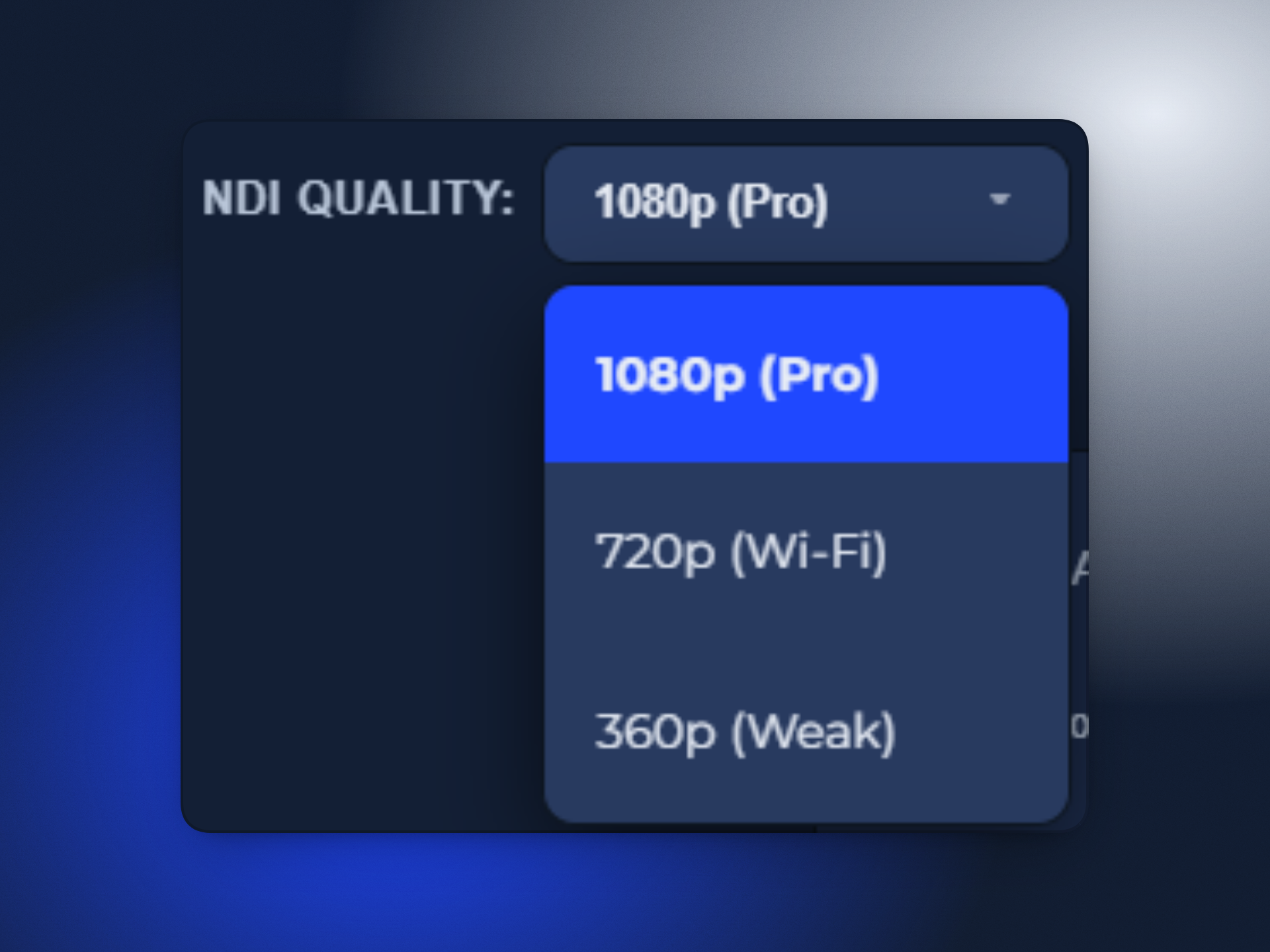
NDI streaming output
Feeds straight into OBS or vMix. Quality is selectable per connection.
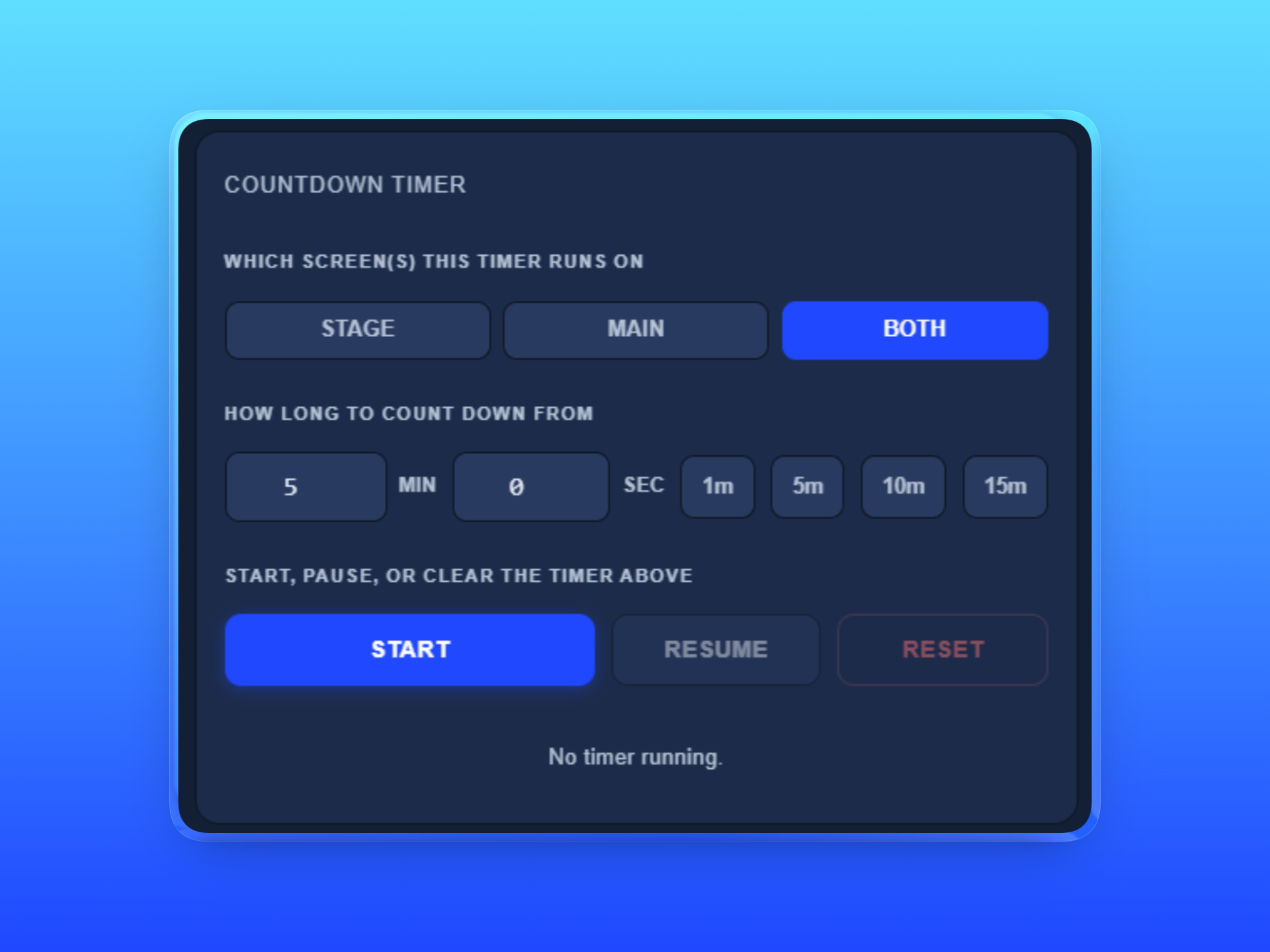
Countdown timer
Custom entry or one tap presets. Large on screen numerals with a red pulse at zero.
Also in Cast Mode
- Green Screen output and a dedicated Capture Cam preview
- Relayed campus images clear automatically after 24 hours
- A separate Planning Center Online connection for Cast Mode
- A broadcast desk keyboard shortcut set
What every mode is built on
The parts of VerseVocal that aren't tied to a single mode. The vault, the importer, and the checks around them.

Universal Importer
One place to bring in Bibles, songs, and slide decks. Real size limits apply, and every import requires a copyright acknowledgment.
A fully local vault
Every Bible, song, and media file lives on your own machine. Nothing depends on a connection during the service.
Sync to your own Google Drive
Back up and restore your vault across machines. Unlimited on every plan, including free.
How verse detection actually works
Said plainly, because it matters more than most product pages admit.
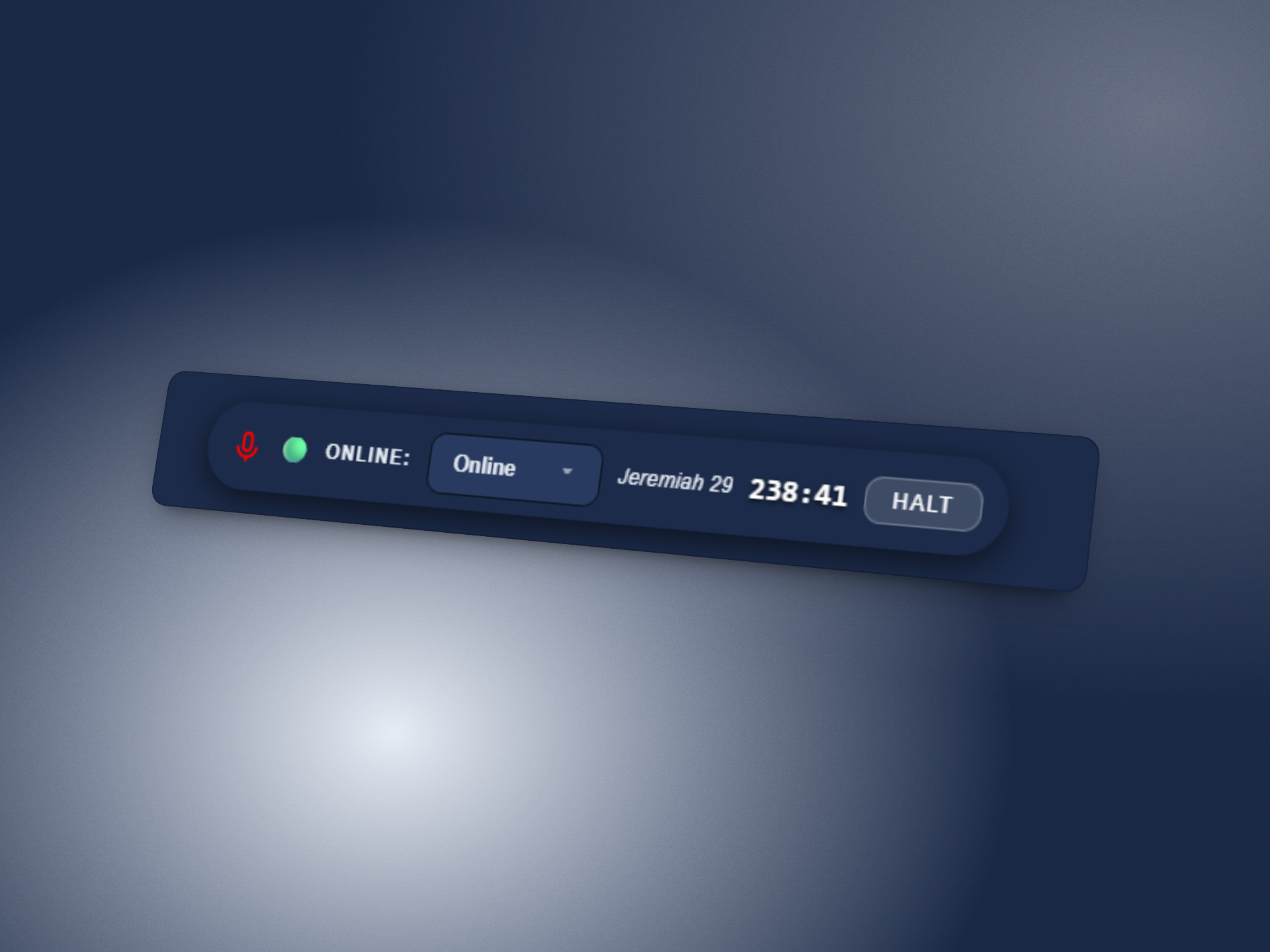
Online Engine
Cloud speech recognition built for a wide range of accents and speaking speeds. It reconnects automatically through brief network drops.
Offline Engine
Runs entirely on your own PC. Built for venues where connectivity can't be trusted. Accuracy depends on microphone quality and room noise.
Neither engine is 100% accurate. The online engine performs well in real use, but it can miss a reference in a loud room or with an unusual accent. VerseVocal recognizes South African accented English speech. It does not translate Zulu, Xhosa, or Afrikaans Bible text.
Frequently Asked Questions
Everything churches usually ask before switching to VerseVocal.
Does VerseVocal work without the internet?
Yes. The Offline Engine and your local vault work with no connection at all. Cloud features like syncing and the Online Engine need internet when you use them.
What Bible versions are included?
Every plan includes four offline versions: KJV, BSB, YLT, and ASV. Plus adds one API Bible version of your choice. Pro includes all three: NKJV, NLT, and AMP.
Do paid plans come with support?
Yes. Plus and Pro both include a personal setup assistant to help you get running. Starter is self serve.
Can I switch plans later?
Yes. Upgrade or downgrade at any time from your account.
Does VerseVocal run on Mac?
Not yet. VerseVocal currently runs on Windows 10 and Windows 11.
How is regional pricing calculated?
Plus and Pro cost different amounts in different countries, based on what churches there can typically afford. Pricing follows World Bank income bands.
One price for your entire church
Every plan includes free updates and real support. Choose your region to see accurate pricing.
Prices shown for: Upper-middle income, South Africa, Brazil, Mexico
- ✓ Live Mode, setlists, and stage alerts, unlimited
- ✓ Offline AI Engine, unlimited
- ✓ Sync to Cloud, unlimited
- ✓ Online AI Engine, 45 min/week
- ✓ 4 offline Bible versions (KJV, BSB, YLT, ASV)
- ✓ Sermon Notes PDF, 1/month, watermarked
- ✓ Studio Clips, 1/month, 30 seconds max
- ✓ NDI, Capture, and Import up to 720p
- ✓ Everything in Starter
- ✓ Personal setup assistant included
- ✓ Online AI Engine, 200 min/week
- ✓ Offline versions, plus 1 API Bible version of your choice (NKJV, NLT, or AMP)
- ✓ Sermon Notes PDF, 10/month
- ✓ Studio Clips, 10/month, 2 minute max, watermark optional
- ✓ NDI, Capture, and Import at 1080p
- ✓ Multi-Campus Relay, 3 campuses
- ✓ Everything in Plus
- ✓ Personal setup assistant included
- ✓ Online AI Engine, unlimited
- ✓ Offline versions, plus all 3 API Bible versions (NKJV, NLT, AMP)
- ✓ Sermon Notes PDF, unlimited
- ✓ Studio Clips, unlimited, 5 minute max, all caption colors
- ✓ NDI, Capture, and Import at 1080p and 4K
- ✓ Multi-Campus Relay, unlimited
Regional pricing follows purchasing power parity, based on World Bank income classifications. It's the same method Netflix and Spotify use worldwide. The South Africa rand figures are approximate. 4K NDI output only appears as 4K on platforms that support it. Facebook Live, for example, caps every stream at 1080p regardless of source quality.
Download VerseVocal and run it this Sunday
Starter is free, forever. No card required to get started.